
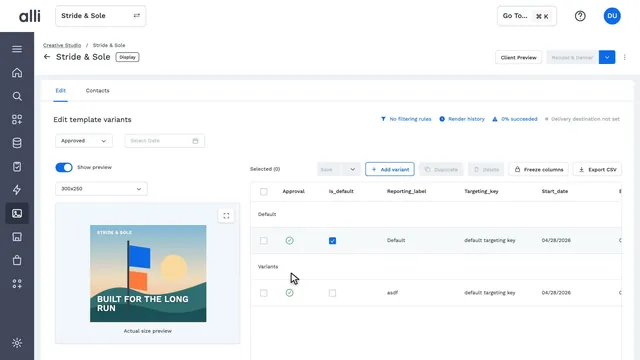
Add an ad variant as a row of data in Alli
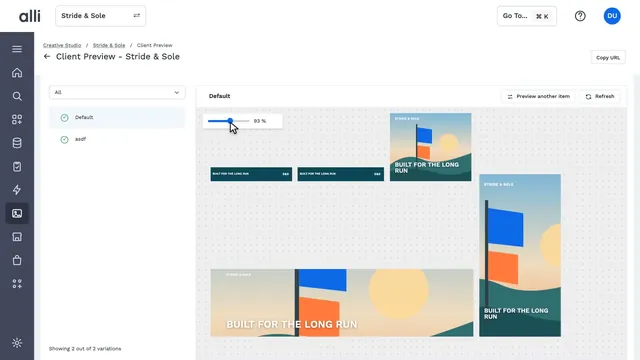
In Alli Creative Studio, a user switches the actual-size preview between placement sizes and adds a variant as a new row of data. Each row of data becomes a variant of the approved template. Map headlines, prices, and images to product feeds or copy variants, and see every version at actual size.
Next chapter Preview one template in every size in Alli
About Alli Creative Studio
Alli Creative Studio turns approved designs into thousands of on-brand, platform-ready ad versions, updated from product feeds and performance data.
Explore Alli Creative Studio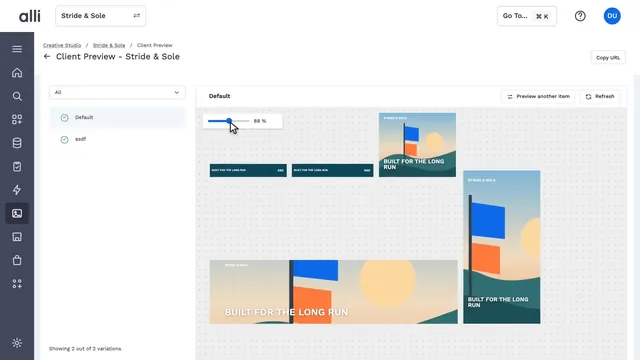
See Alli working on your data.
Book a walkthrough and we'll show you the product live, on your own platforms and numbers.
Book an intro