
Scheduled runs in Alli Product Feed Management
In Alli Product Feed Management, a user sets a feed's import schedule to run every day with filtering after import, then starts an on-demand import, filter, and deploy run. Schedules choose which sources import, when they run, and whether filtering and deployment follow, and any step can run on demand. Feeds stay current overnight and through peak periods without anyone starting a run.
What you'll see
- 0:00The main feed's setup lists its sources, scheduled imports, filters, and deployments.
- 0:05The schedule picks the sources, run days, and time, and filtering is set to follow each import.
- 0:09Back on the feed setup, the user goes to run the feed on demand.
- 0:13An on-demand run starts: import, filter, and deploy.
About Alli Product Feed Management
Alli Product Feed Management ingests, cleanses, and optimizes product data, then deploys channel-ready feeds to Google, Meta, and more on a schedule.
Explore Alli Product Feed ManagementMore Alli Activate spotlights
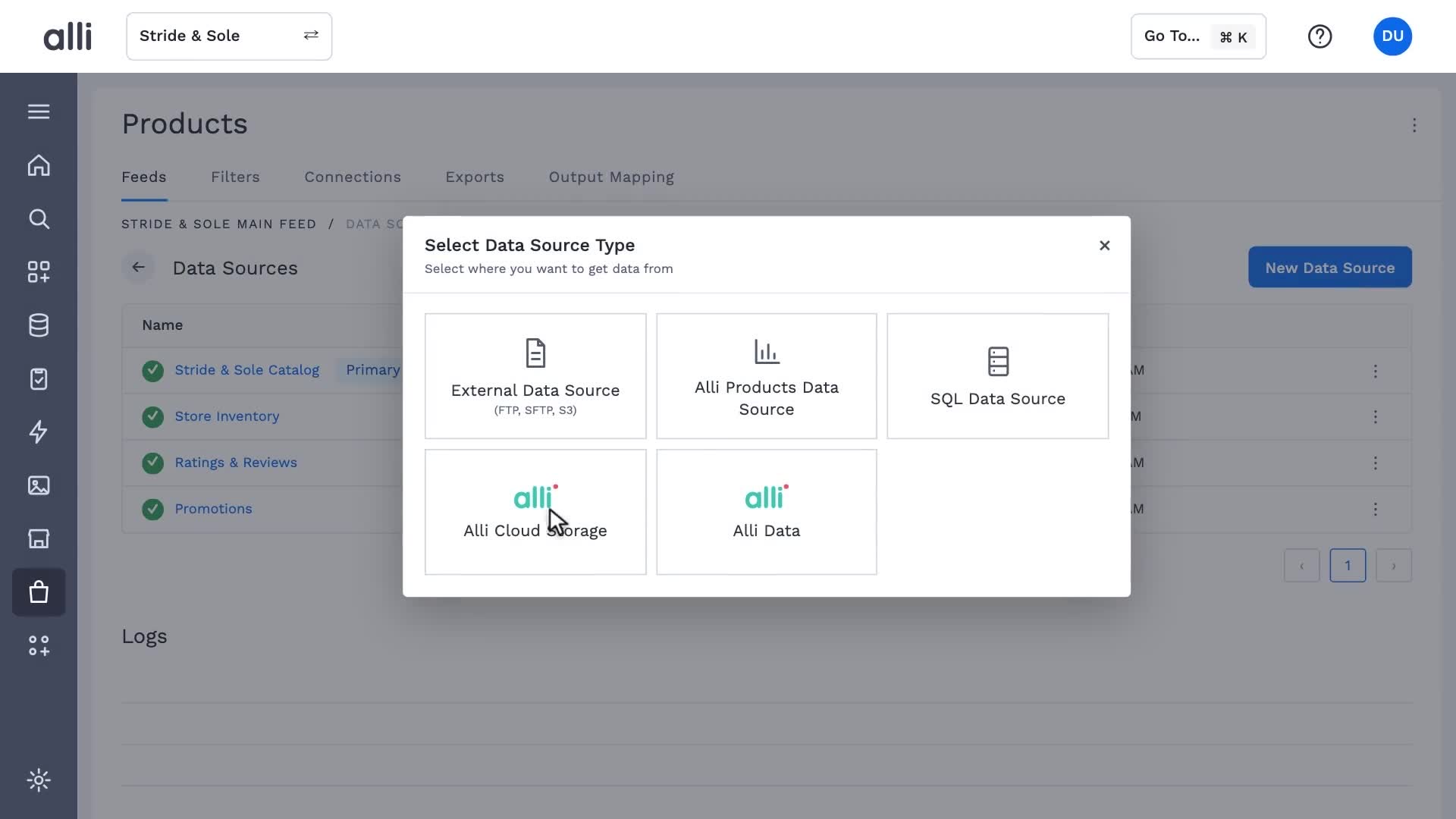 1:12Alli Product Feed Management in actionAlli Product Feed Management
 0:17Cleanse and optimize in Alli Product Feed ManagementAlli Product Feed Management
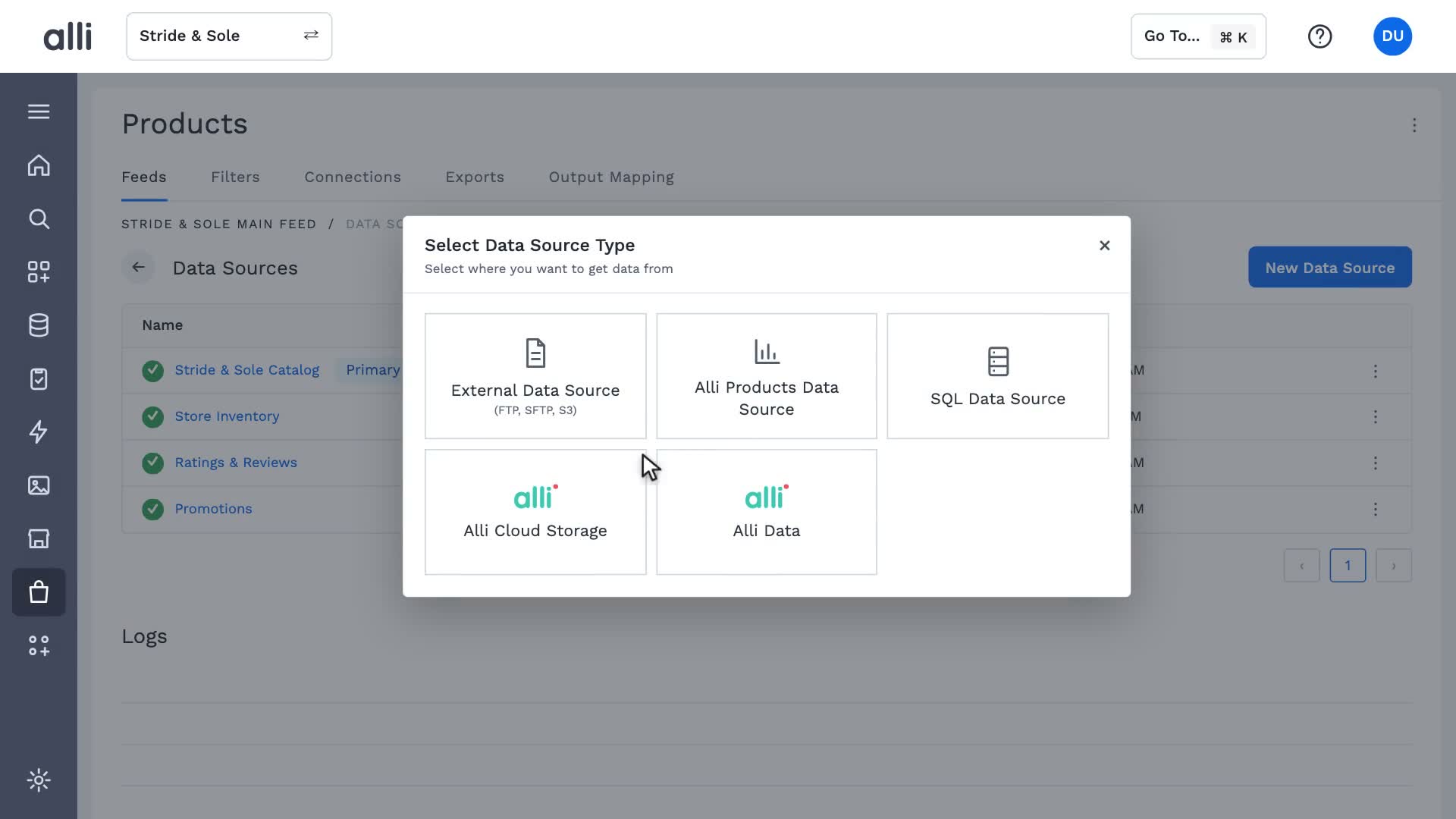 0:12Data sources in Alli Product Feed ManagementAlli Product Feed Management
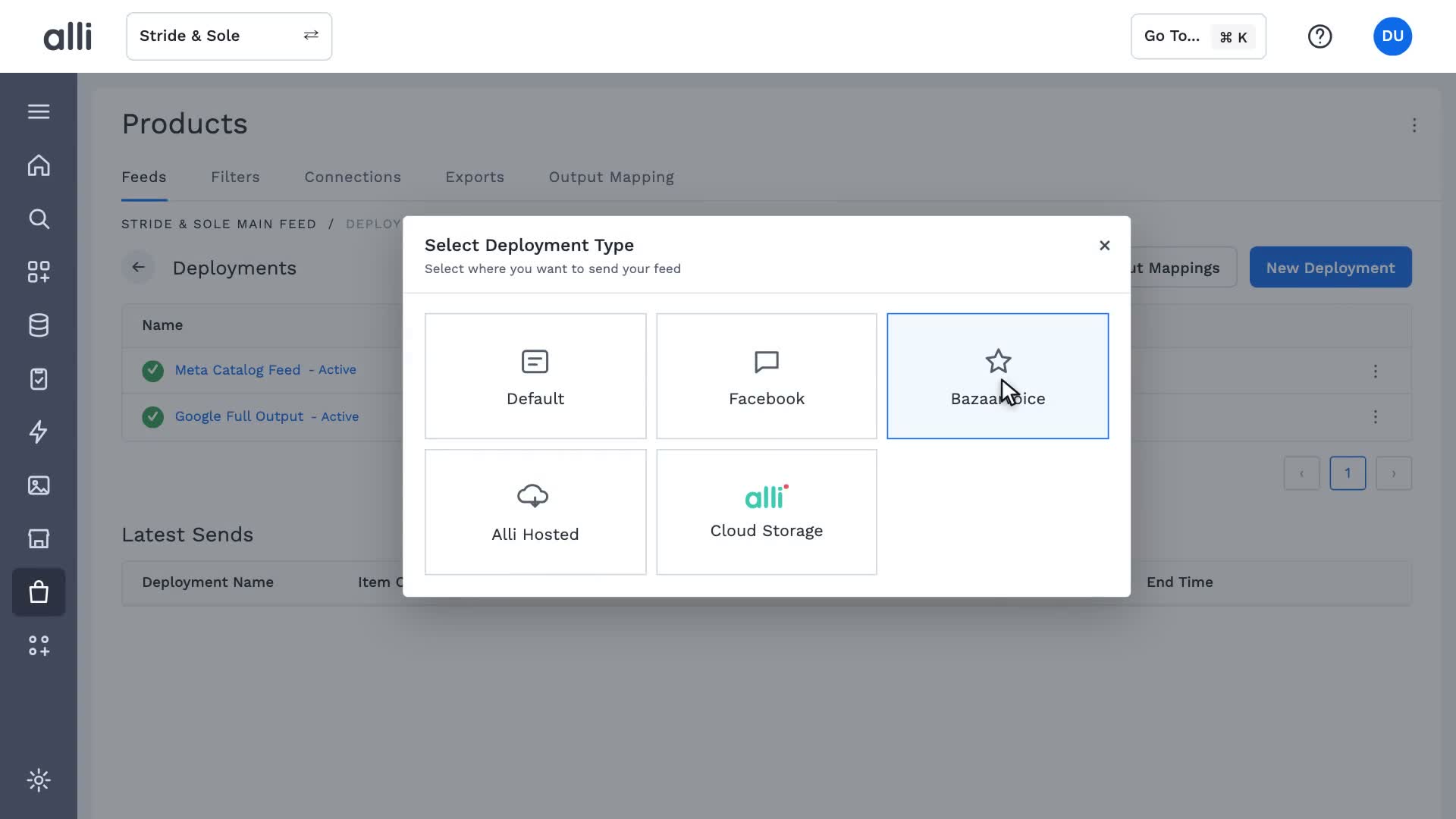 0:14Deployments in Alli Product Feed ManagementAlli Product Feed Management
See Alli working on your data.
Book a walkthrough and we'll show you the product live, on your own platforms and numbers.
Book an intro