
Skills marketplace in Alli4u
In Alli4u, a user searches the Skills Marketplace, opens a skill to check how to use it and what it needs, installs it, and then views every installed skill on the Installed tab. Search the marketplace for a skill, check what it needs, and see every skill installed on your desktop in one place. The same automation stops getting rebuilt by different people.
What you'll see
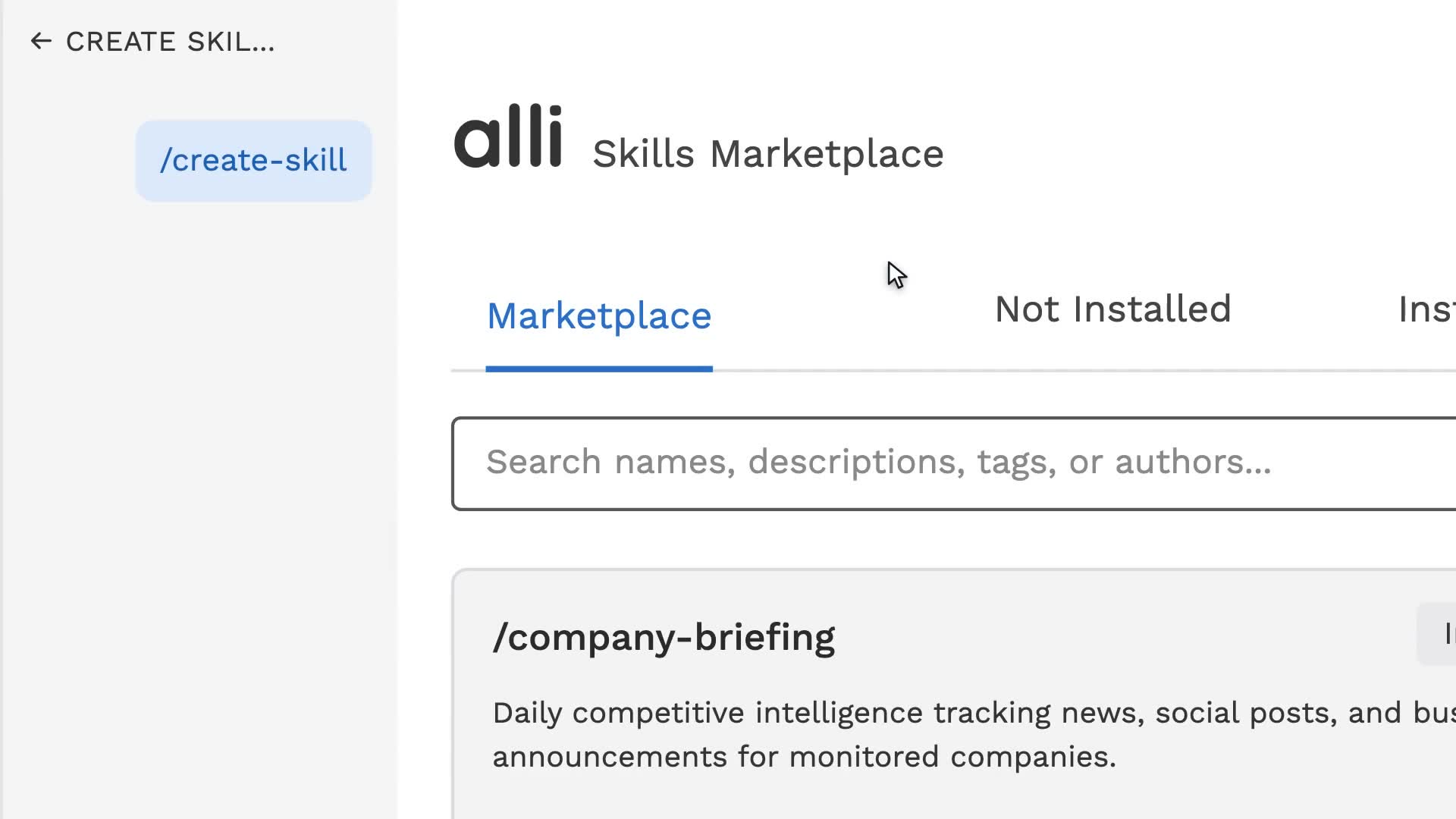
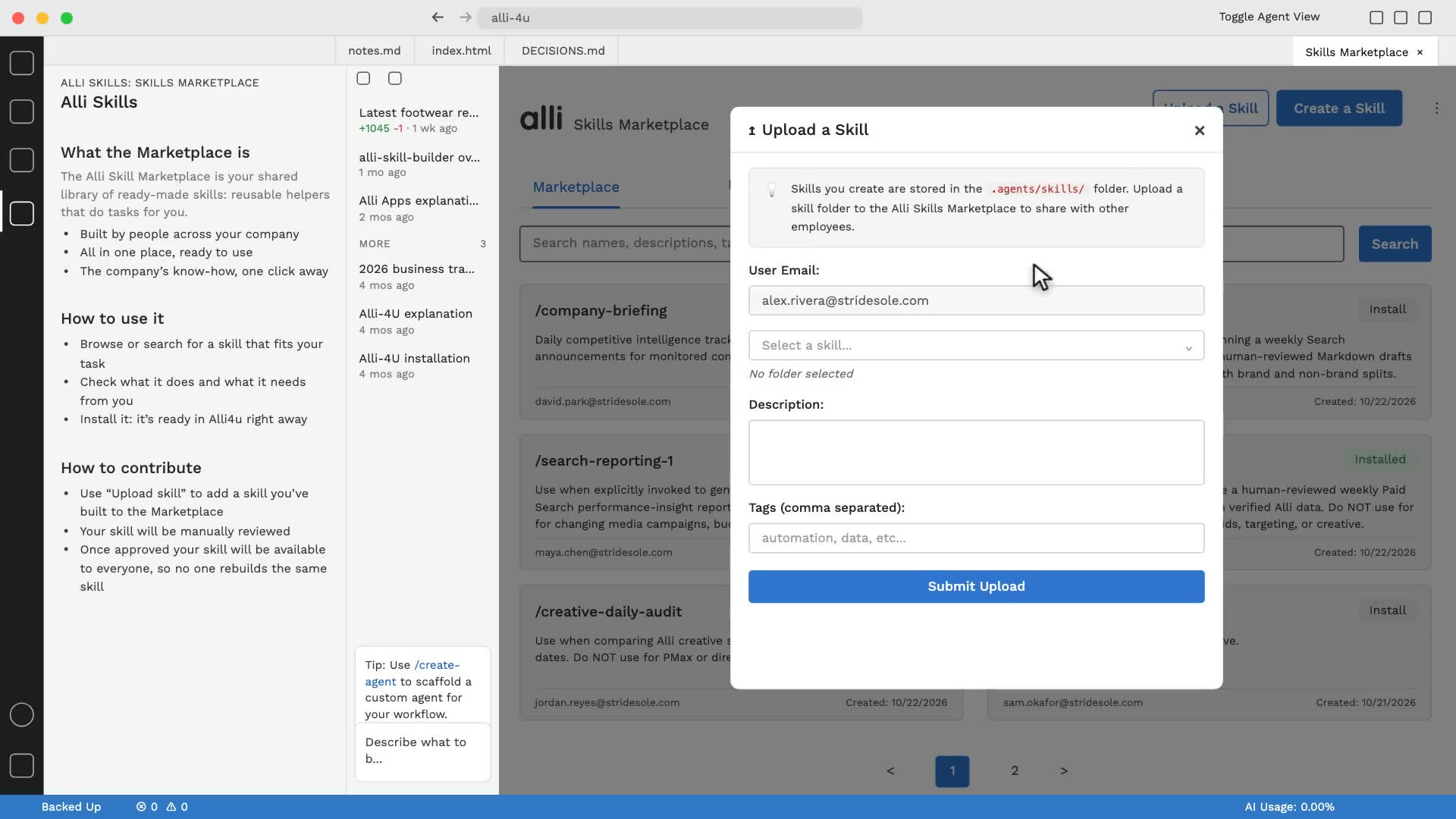
- 0:00The Skills Marketplace lists skills built across the company, each with an Install button.
- 0:05A search for "daily" narrows the list to two matching skills.
- 0:08A skill's detail view shows a quick start, when to use it, and its prerequisites.
- 0:11The Installed tab shows every skill installed on the desktop.
About Alli4u
Alli4u puts a secure AI coding assistant on every desktop, with per-user model access, token tracking, shared skills, and built-in platform logins.
Explore Alli4u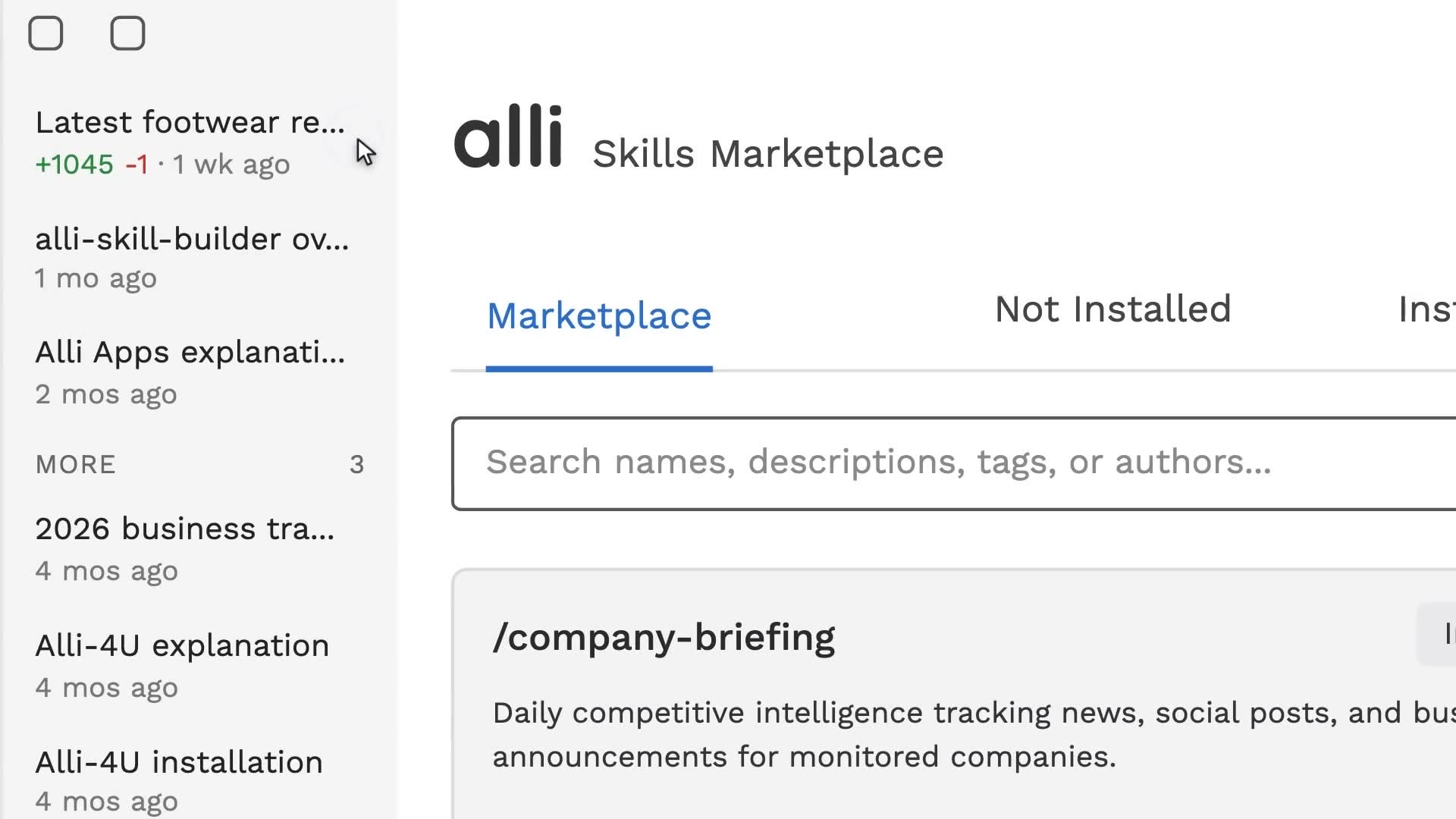
See Alli working on your data.
Book a walkthrough and we'll show you the product live, on your own platforms and numbers.
Book an intro