
Filter campaigns and compare ROAS in Alli
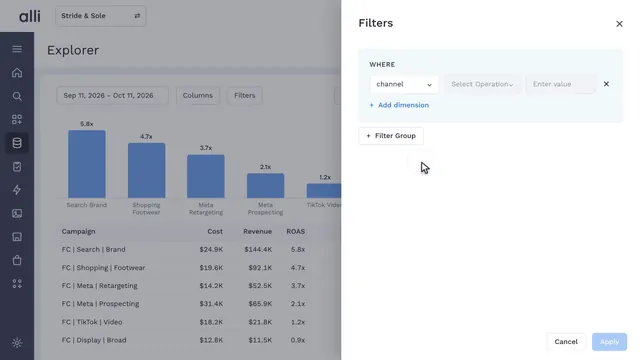
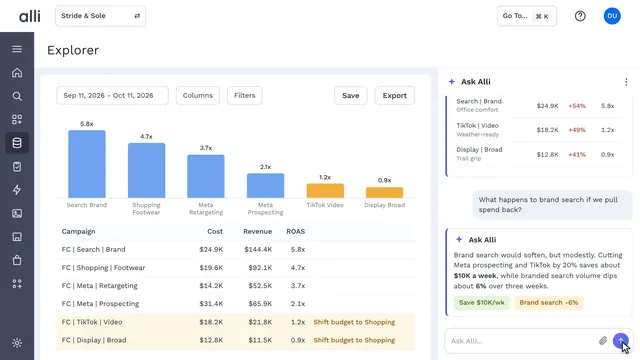
After a filter is applied, the chart and table in Alli Data Explorer update from six campaigns to the three that match, with cost, revenue, and ROAS for each. Data Explorer reads the same live data as every Alli dashboard, so you work from today's numbers and can adjust while the campaign is still running.
Back to the tour Alli Data Explorer in action
About Alli Data Explorer
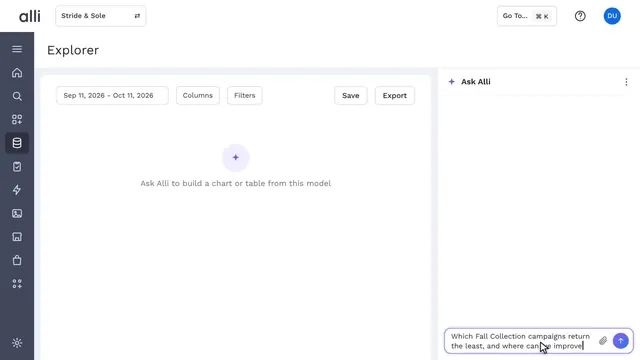
Alli Data Explorer lets teams slice, compare, and ask questions of governed marketing data in plain English, with no code and no reporting queue.
Explore Alli Data Explorer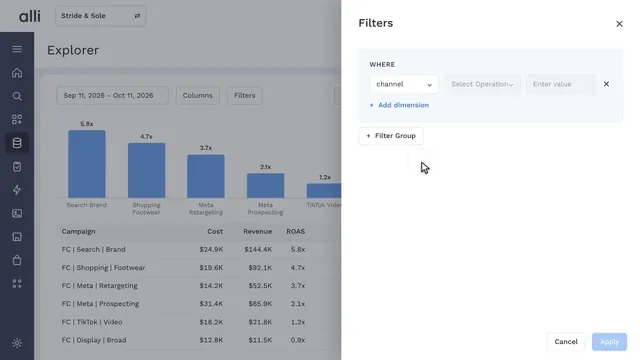
See Alli working on your data.
Book a walkthrough and we'll show you the product live, on your own platforms and numbers.
Book an intro