
No-code exploration in Alli Data Explorer
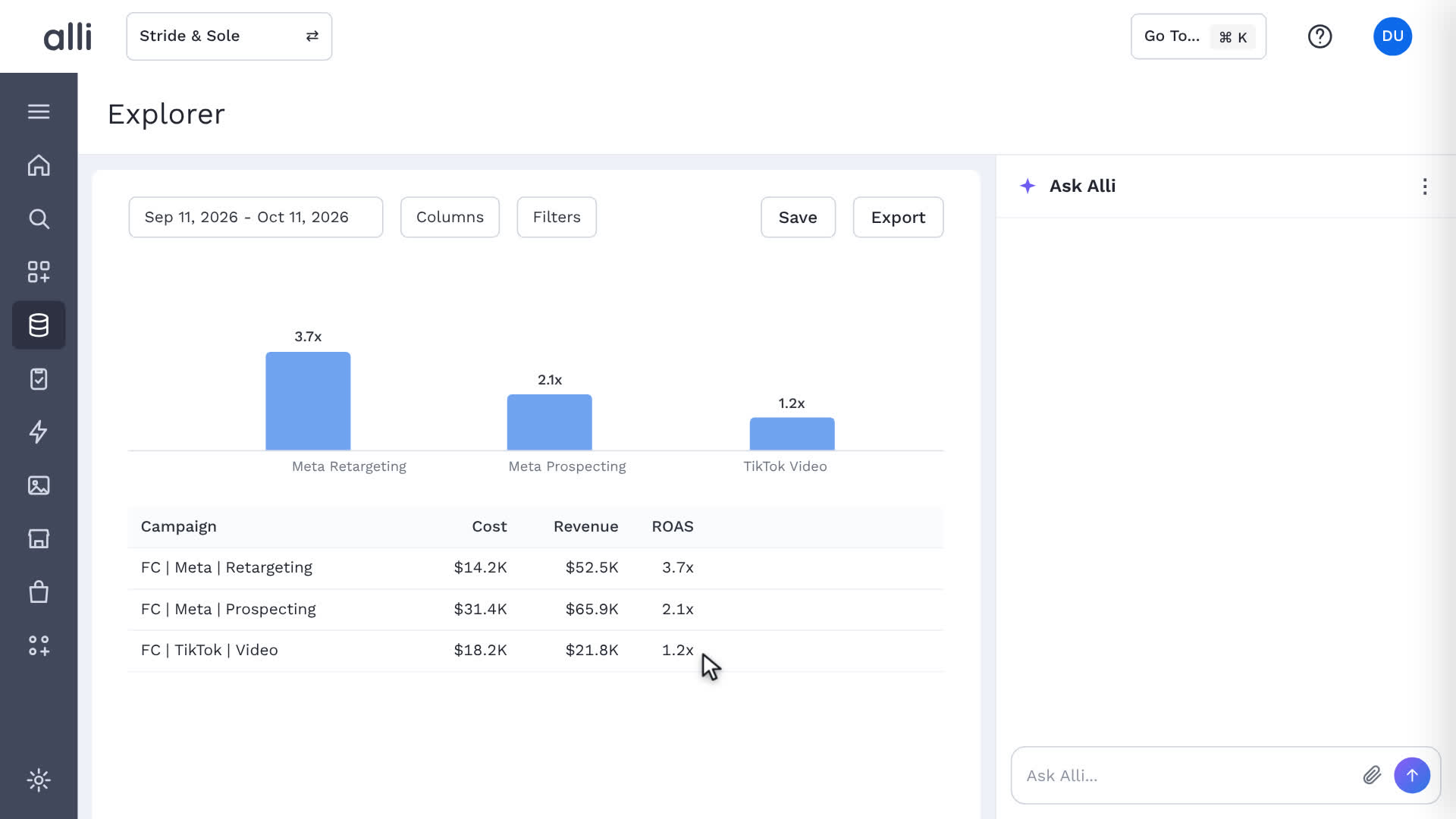
The Filters panel opens in Alli Data Explorer, and a filter is built step by step: the channel dimension, the equals operation, and a paid social value. Pick a date range, choose columns, and add filters, and the chart and the table update as soon as you change a filter, so anyone on the team can explore the data without SQL or a ticket.
About Alli Data Explorer
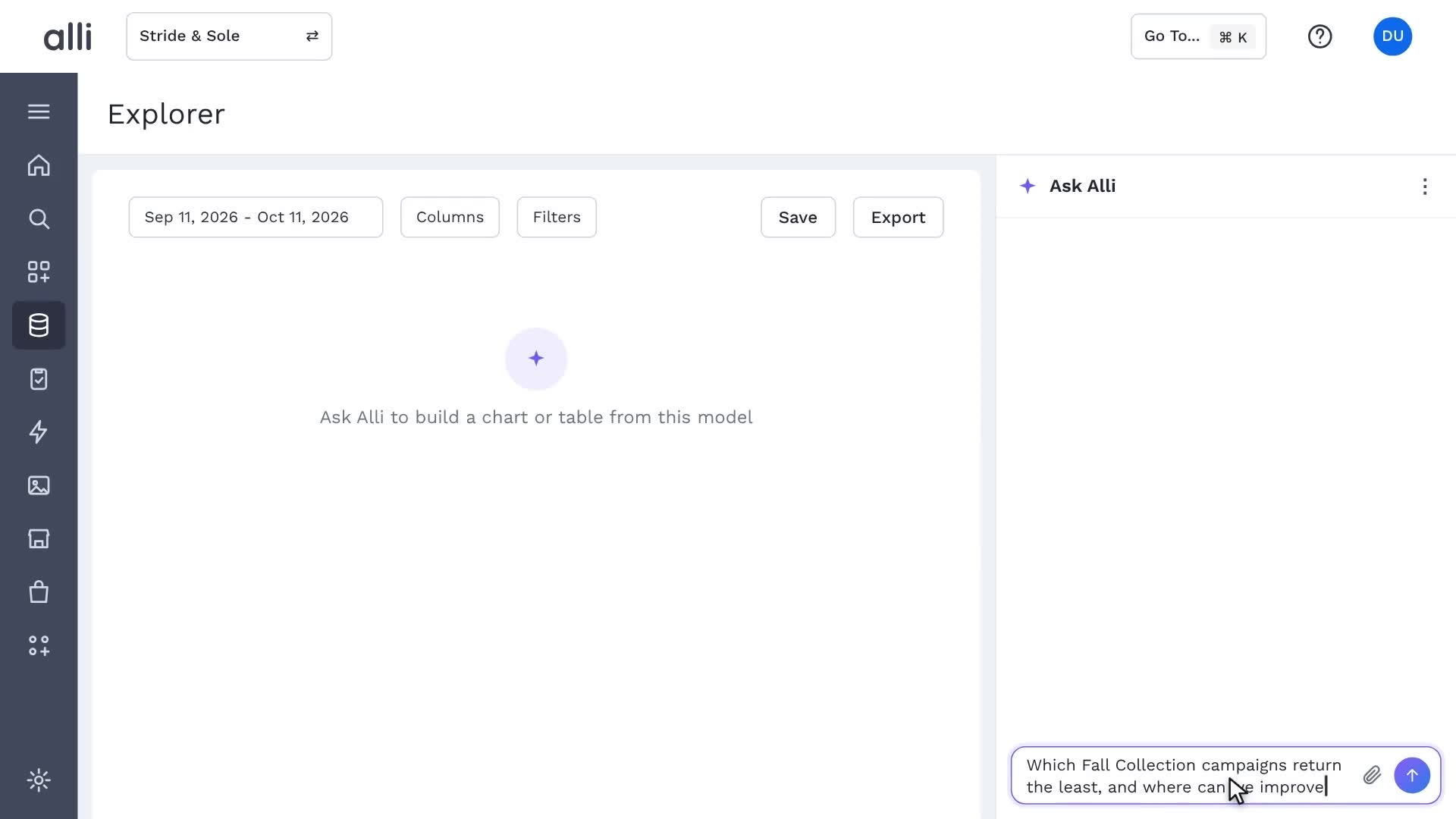
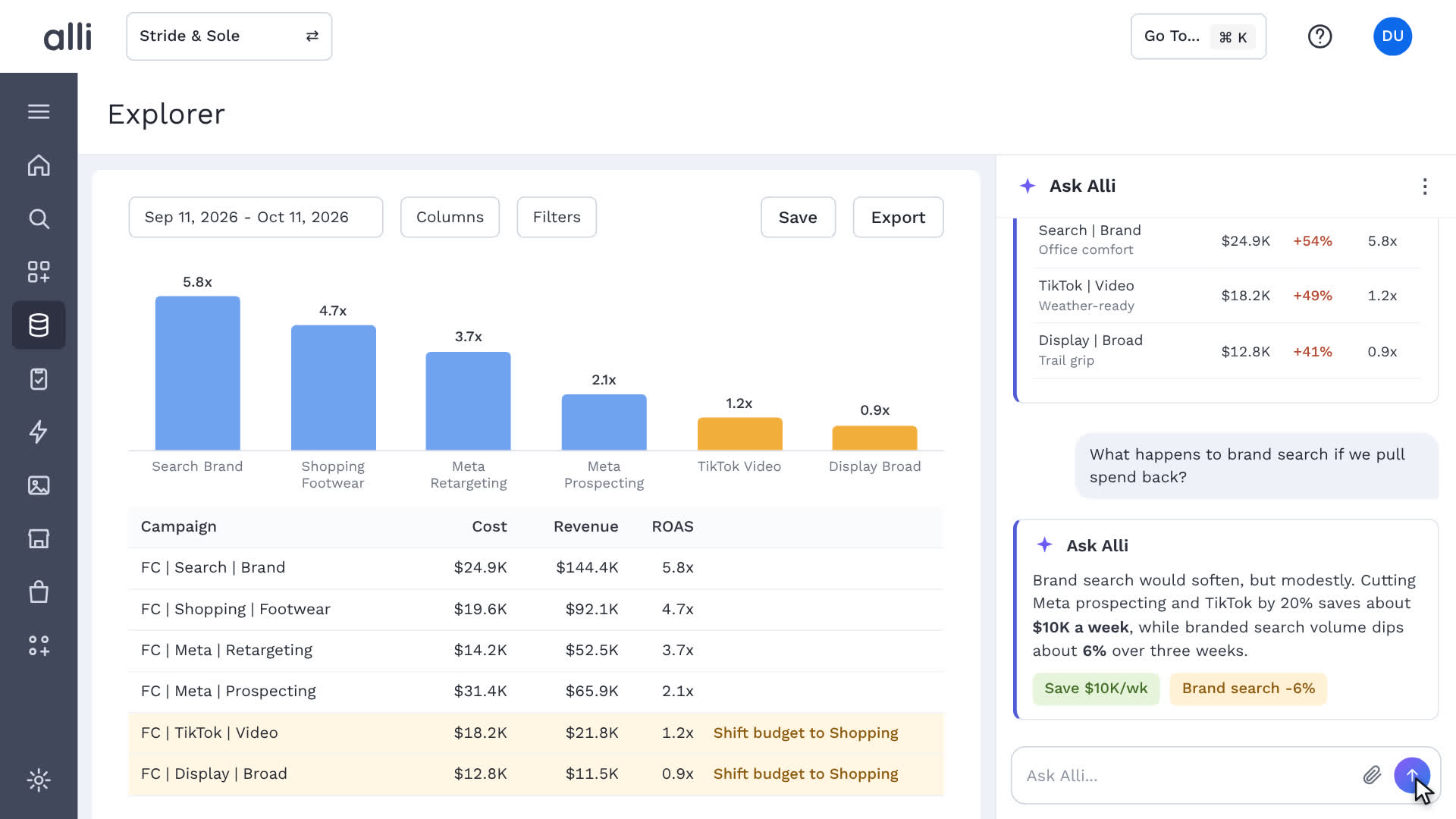
Alli Data Explorer lets teams slice, compare, and ask questions of governed marketing data in plain English, with no code and no reporting queue.
Explore Alli Data Explorer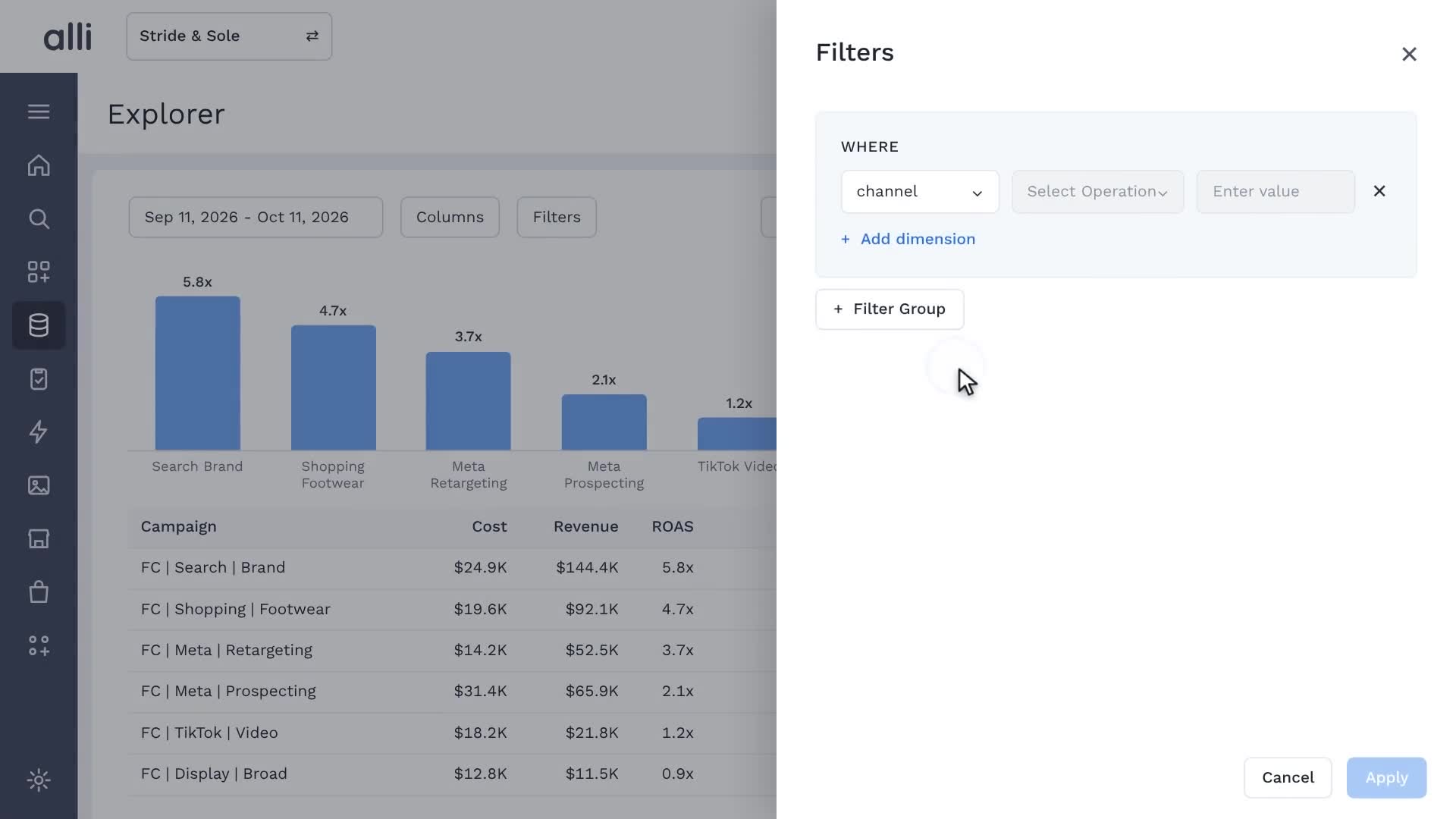
See Alli working on your data.
Book a walkthrough and we'll show you the product live, on your own platforms and numbers.
Book an intro