
No-code creation in Alli Generative Dashboards
On an open dashboard, a request typed into Ask Alli adds a line graph of total orders by week, which appears for review before it's applied. Anyone can build a fully interactive report with no BI experience: ask for a different cut or a comparison, and the dashboard updates.
What you'll see
- 0:00A KPI dashboard is open with Ask Alli beside it, suggesting edits like changing charts or adjusting filters and dates.
- 0:04The user moves to the Ask Anything box to request a change.
- 0:08The request asks for a line graph above the bottom table that tracks total orders by week.
- 0:11The new Total Orders by Week chart appears outlined for review, and the change is applied.
About Alli Generative Dashboards
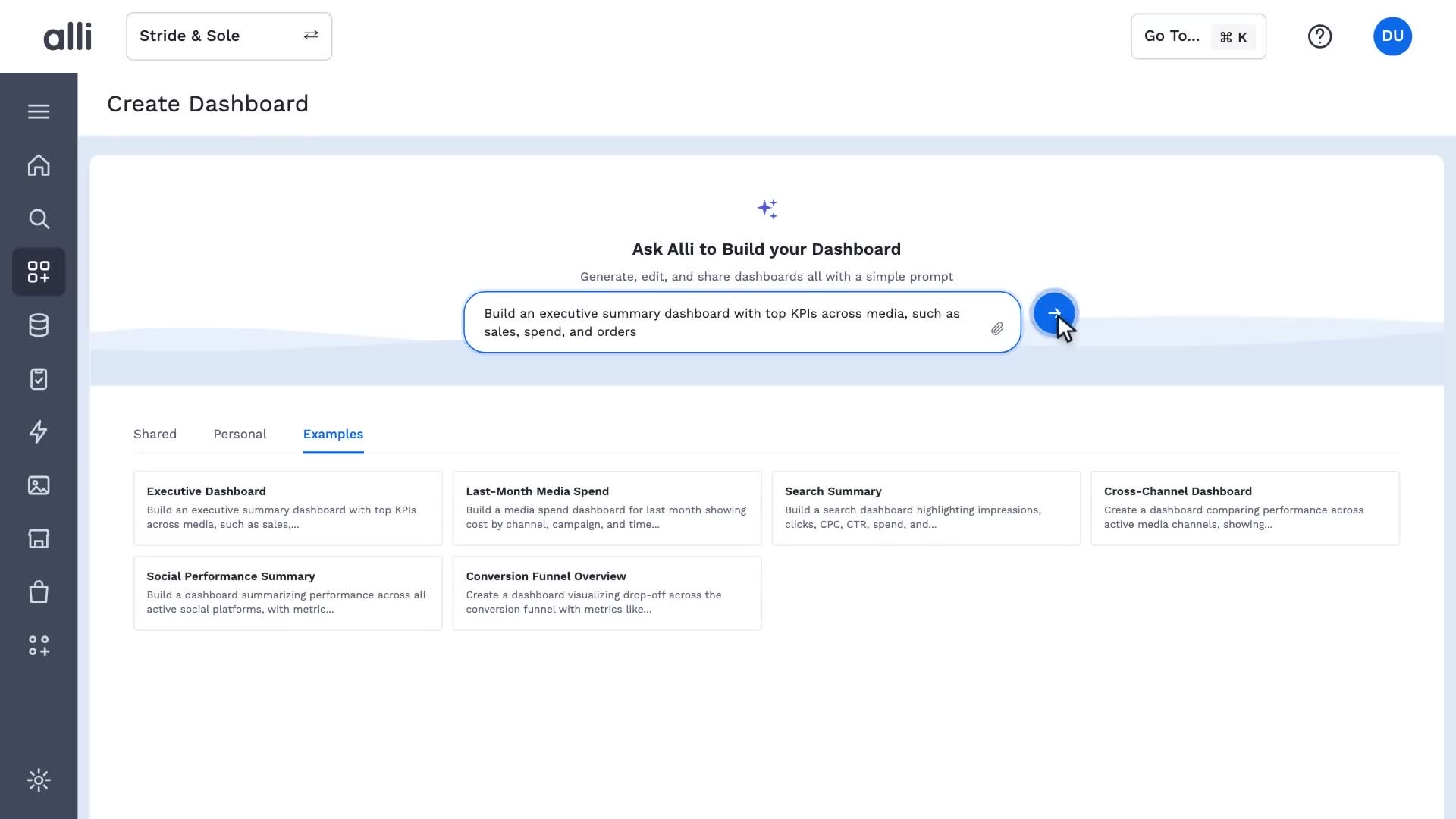
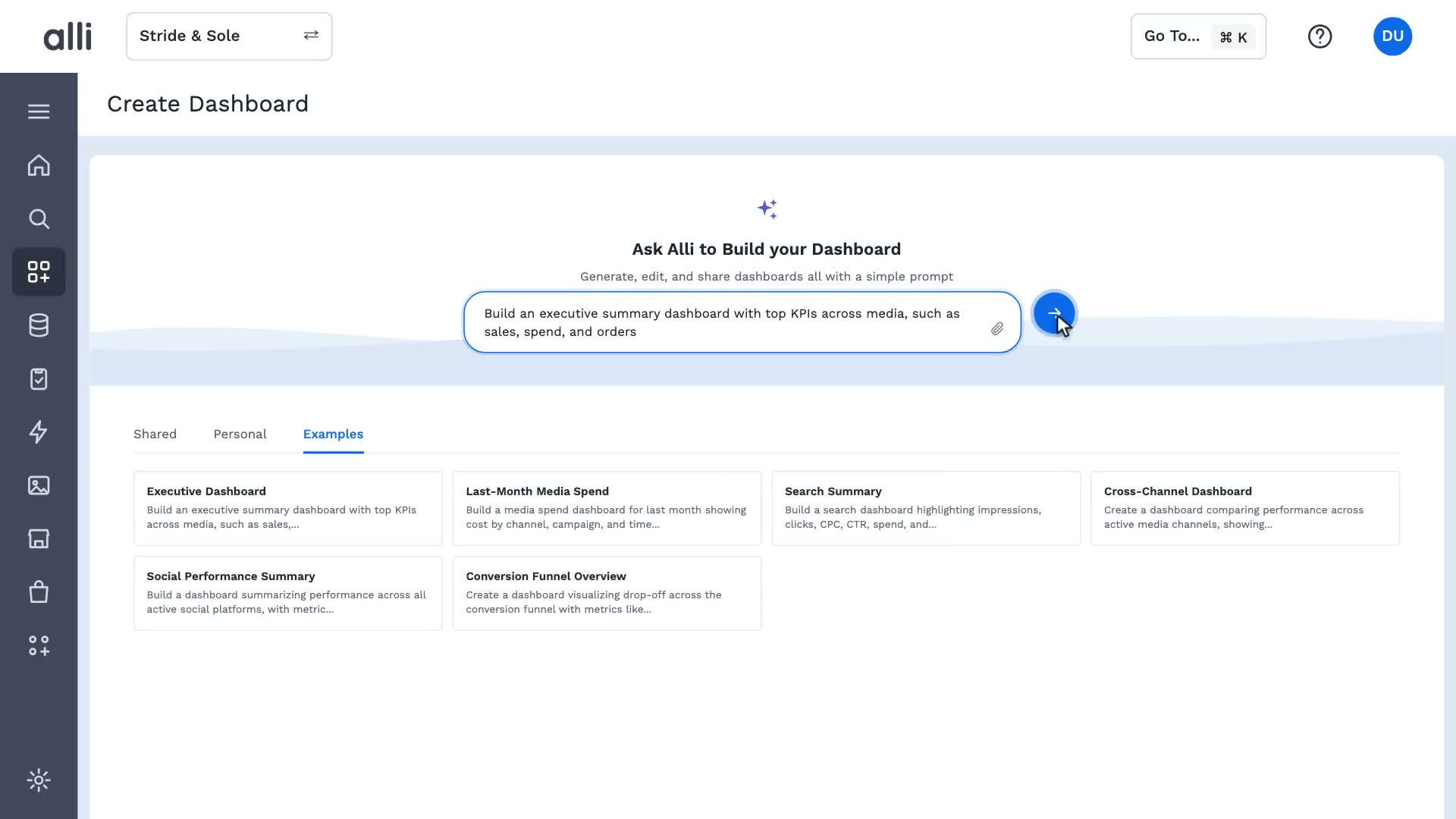
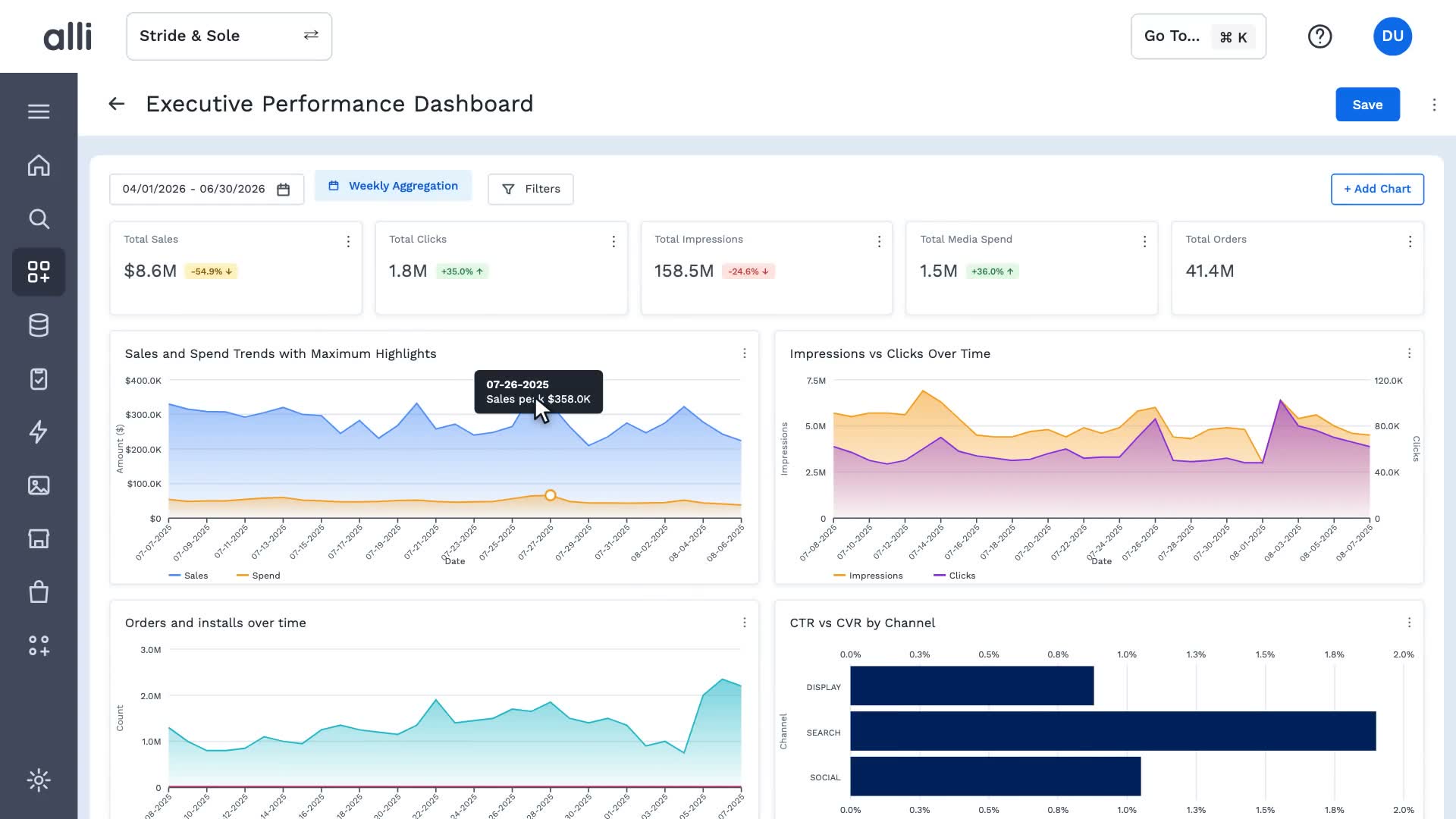
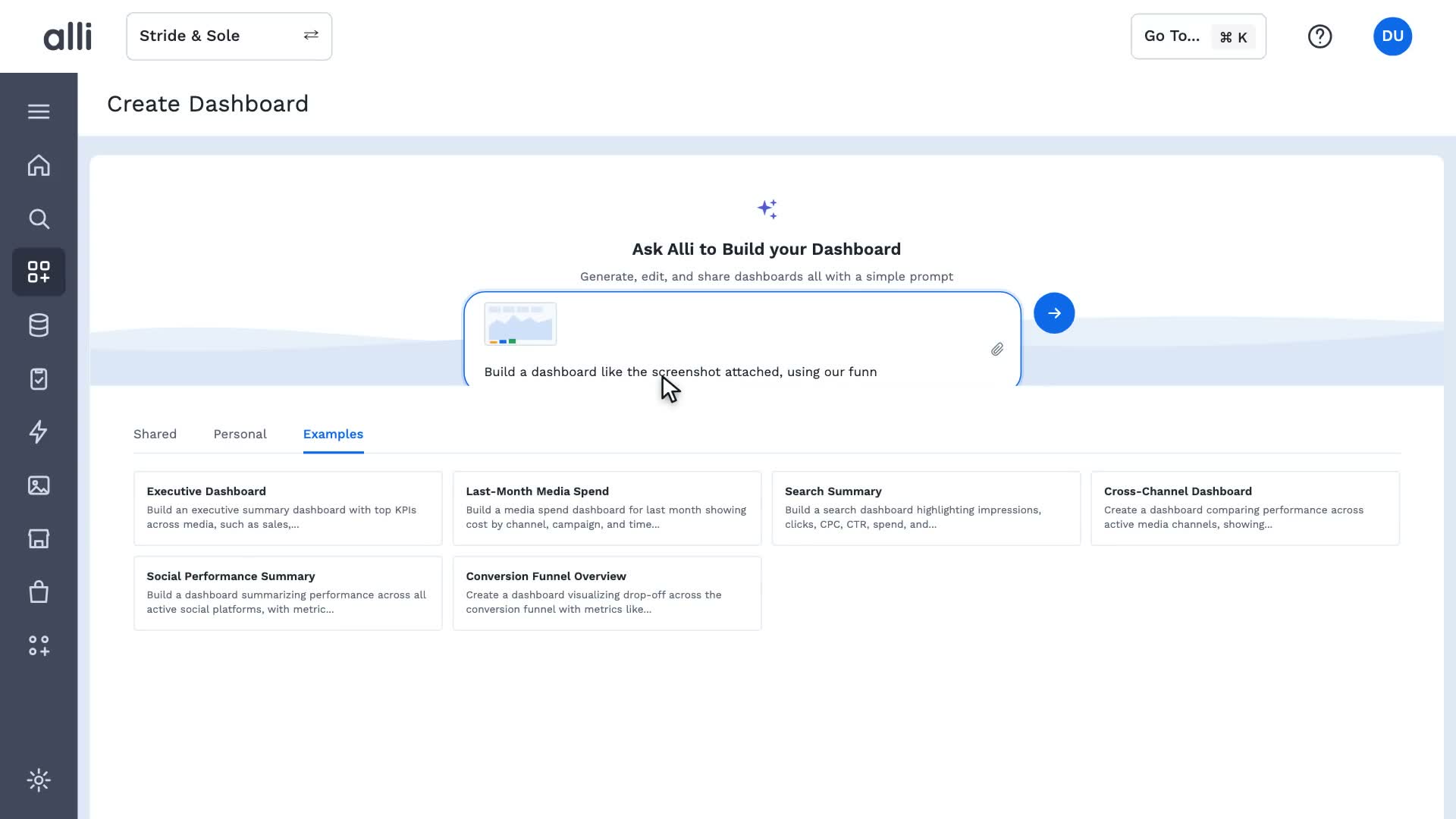
Alli Generative Dashboards builds interactive dashboards from plain-language requests, sketches, or screenshots, on live, governed data. No code required.
Explore Alli Generative DashboardsMore Alli Planning spotlights
See Alli working on your data.
Book a walkthrough and we'll show you the product live, on your own platforms and numbers.
Book an intro