
See which channels to boost or trim in Alli
Alli Scenario Planner's top recommendations list channels to boost and channels to trim, each with its effect on total revenue, and a summary shows the lift if every move is made. Channels to boost are sorted by the revenue they're expected to add, and channels to trim show what each cut costs, so leaders see the trade-off behind each move in one view.
Next chapter See predicted revenue by channel in Alli
What you'll see
- 0:00Top Recommendations splits moves into Invest, to boost spend, and Optimize, to reduce it, sorted by impact.
- 0:07Each move shows what it adds or costs in total revenue.
- 0:11A summary of the most impactful moves shows the potential revenue increase, with next week and next month views.
- 0:16The projected revenue lift for the channels updates for the selected period.
About Alli Scenario Planner
Alli Scenario Planner pairs sales data with brand equity signals, so you can test budget shifts and see the likely revenue impact before you spend.
Explore Alli Scenario PlannerMore Alli Planning videos
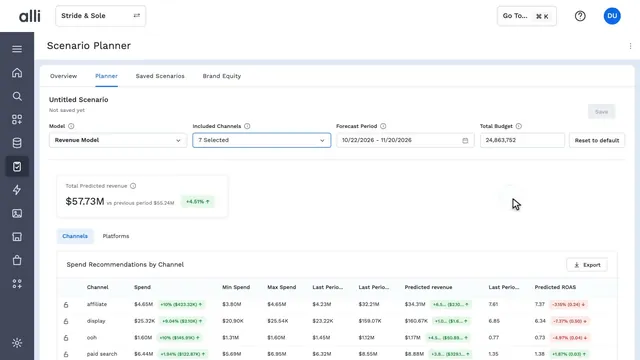 1:18Alli Scenario Planner in actionAlli Scenario Planner
 0:17Forecast revenue for a new budget in AlliAlli Scenario Planner
 0:14Check brand equity in a budget plan in AlliAlli Scenario Planner
 0:15Find each channel's spend ceiling in AlliAlli Scenario Planner
 0:14See predicted revenue by channel in AlliAlli Scenario Planner
See Alli working on your data.
Book a walkthrough and we'll show you the product live, on your own platforms and numbers.
Book an intro